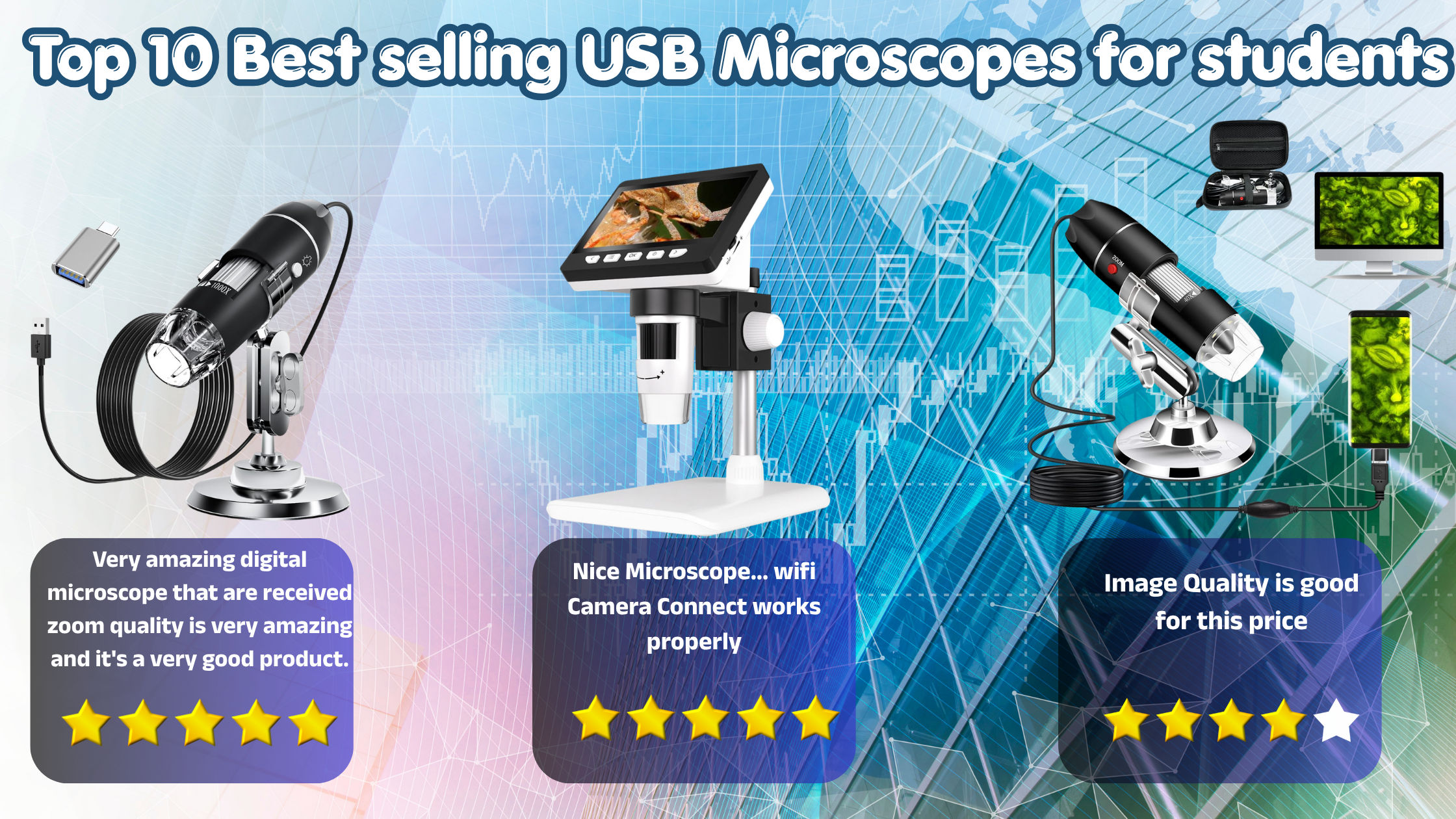
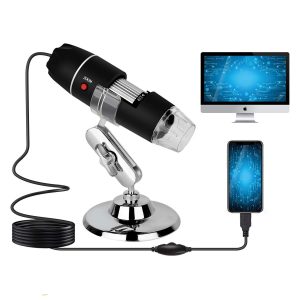
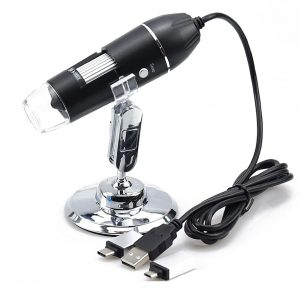
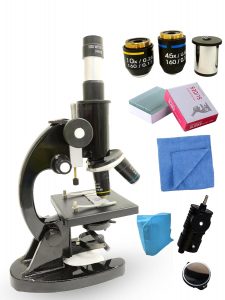
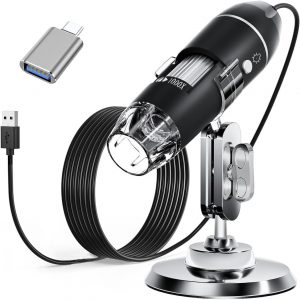
Top 10 Best selling USB Microscopes for Students
If you’re a student curious about exploring the hidden details of the world—whether it’s examining plant cells, tiny circuits, or everyday objects—a USB microscope can be a game-changer. These compact, affordable devices connect directly to your laptop or smartphone, turning ordinary observations into fascinating discoveries. From school projects to hobby experiments, USB microscopes offer a perfect blend of convenience, clarity, and digital functionality. In this blog, we’ve rounded up the top 10 best-selling USB microscopes that combine performance, ease of use, and value—making them ideal companions for students at any level.
How to Choose the Best USB Microscope for Students –
1. Magnification Range (Don’t Chase Just Big Numbers)
2. Image Quality & Camera Resolution
3. Compatibility (Device Support)
4. LED Lighting & Brightness Control
5. Build Quality & Stand Stability
6. Ease of Use (Beginner-Friendly Design)
7. Portability & Size
8. Price & Value for Money
Top 10 Bestselling USB Microscope for Students –
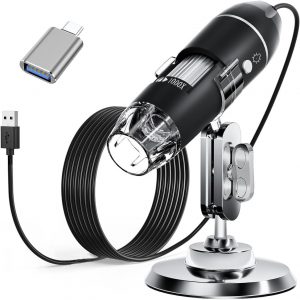
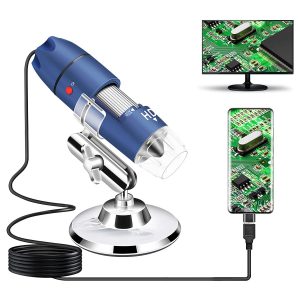
1. Etzin Portable USB Digital Microscop 40X-1000X
| Light Source Type | LED |
| Model Name | EPL-585IM |
| Material | Metal, Plastic |
| Colour | Silver |
| Product Dimensions | 10.3L x 5.3W x 16H Centimeters |
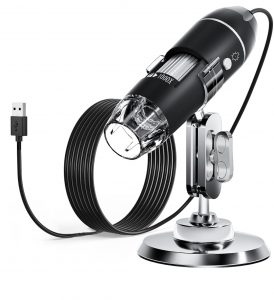
2. Cainda Digital Microscope

| Light Source Type | LED |
| Model Name | USB Microscope Camera |
| Material | Metal |
| Colour | Black |
| Product Dimensions | 19L x 12W x 2.5H Centimeters |
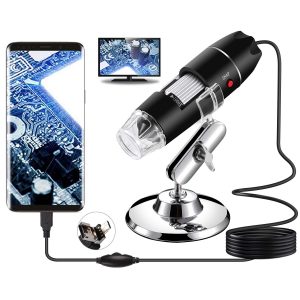
3. Bysameyee Handheld 40X-1000X Magnification Endoscope


| Light Source Type | LED |
| Model Name | RM |
| Material | Metal |
| Colour | Black |
| Product Dimensions | 30L x 30W x 114H Millimeters |
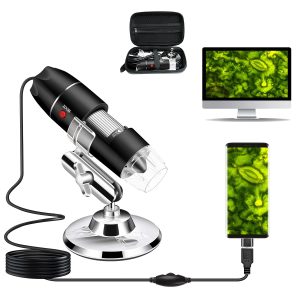
4. Microware USB Digital Microscope,40X to 1000X Magnification
| Light Source Type | LED |
| Material | Metal |
| Colour | Black |
| Product Dimensions | 40L x 40W x 120H Millimeters |
| Real Angle of View | 45 Degrees |
5. amiciCare 1000X USB Digital Microscope

| Light Source Type | LED |
| Material | Glass |
| Colour | Black |
| Real Angle of View | 45 Degrees |
| Magnification Maximum | 1000 x |
6. Black Compound Student Microscope With 10X & 45X
| Model number | LB-SMS02 |
|---|---|
| Colour | Black |
| Number of Memory Sticks | 1 |
| Item Weight | 3 kg 60 g |
| Product Dimensions | 10 x 10 x 25 cm; 3.06 kg |
7. Tobo 1000x Digital Microscope
| Light Source Type | LED |
| Material | Plastic |
| Colour | Black |
| Item Weight | 0.37 Pounds |
| Voltage | 5 Volts |
8. Jiusion 2K HD 2560x1440P USB Digital Microscope
| Light Source Type | LED |
| Model Name | RM |
| Material | Metal |
| Colour | Navy Blue, Silver |
| Real Angle of View | 120 Degrees |
9. BEEBIRD 1000x Digital Microscope
| Light Source Type | LED |
| Model Name | portable microscope |
| Colour | Black |
| Magnification Maximum | 1000 x |
| Voltage | 5 Volts |
10. SMILEDRIVE® Digital HD Microscope

| Light Source Type | LED |
| Material | Metal |
| Colour | Black and white |
| Product Dimensions | 19.3L x 13.5W x 24.6H Centimeters |
| Magnification Maximum | 1000 x |
FAQs – USB Microscopes for Students
1. What is a USB microscope?
A USB microscope is a compact digital device that connects to a computer or smartphone via USB to display magnified images on a screen, making it easy for students to observe tiny objects in detail.
2. Is a USB microscope good for students?
Yes, USB microscopes are great for students because they are affordable, easy to use, and perfect for school projects, basic experiments, and learning purposes.
3. What magnification is best for students?
For most student needs, a magnification range of 50x to 400x is sufficient. Higher magnification is not always necessary and may reduce image clarity in budget models.
4. Can a USB microscope be used with a mobile phone?
Yes, many USB microscopes support Android devices with OTG functionality. Some models also offer WiFi connectivity for use with both Android and iOS devices.
5. Do USB microscopes need special software?
Most USB microscopes come with their own software or apps, but many also work with standard camera or microscope viewing applications. Some are plug-and-play with no extra setup needed.
6. What can students see with a USB microscope?
Students can explore a wide range of objects such as:
- Plant cells and leaves
- Insects and small organisms
- Fabric textures
- Electronic circuits
- Coins and everyday items
7. Are USB microscopes better than traditional microscopes?
USB microscopes are more convenient and beginner-friendly, while traditional microscopes offer higher precision. For students, USB microscopes are often the better choice due to their ease of use and digital features.
8. What resolution should I look for in a USB microscope?
A minimum of 2MP resolution is recommended for clear images. Higher resolution models provide better detail for capturing photos and videos.
9. Do USB microscopes come with built-in lighting?
Yes, most USB microscopes include built-in LED lights with adjustable brightness to ensure clear visibility of objects.
10. Are USB microscopes portable?
Yes, they are lightweight and compact, making them easy for students to carry and use anywhere—at home, school, or outdoors.
Conclusion –
n conclusion, a USB microscope is a smart and practical investment for students who want to make learning more interactive and engaging. With the right balance of magnification, image quality, and ease of use, these devices open up a whole new world of discovery—from classroom experiments to everyday exploration. Whether you’re a beginner or a curious learner, choosing the right model from our top picks can enhance your understanding and make science more exciting.